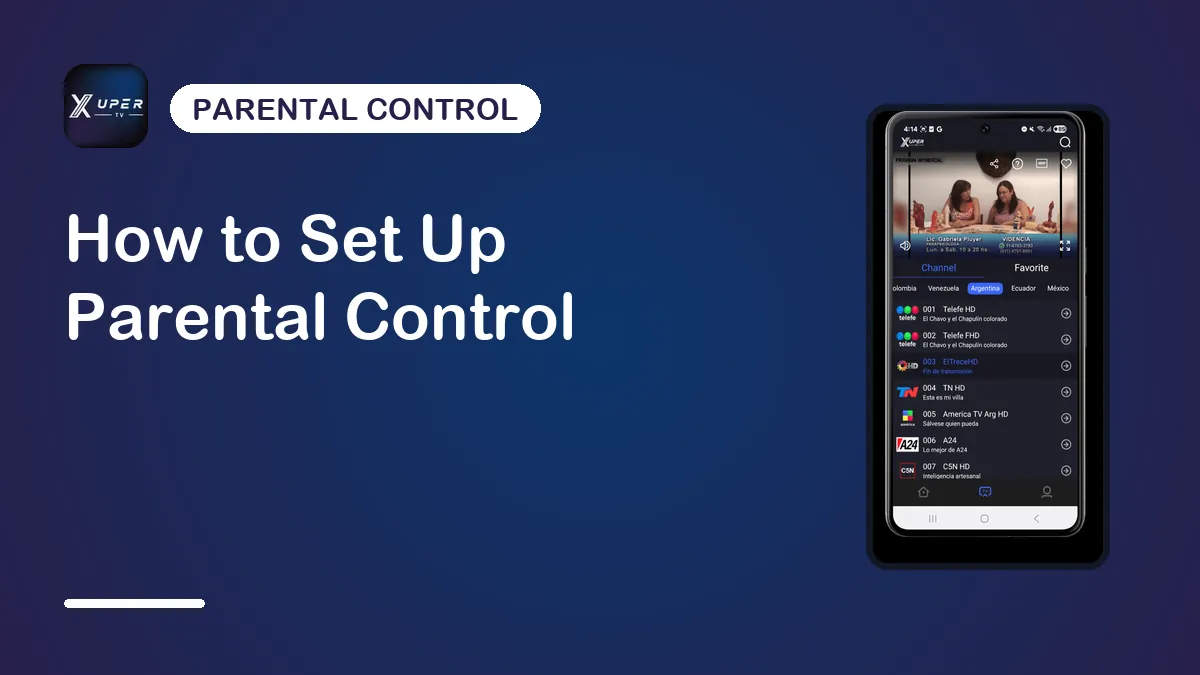
Xuper TV brings together channels from many countries, and not everything broadcast is suitable for children. If the whole family uses it at home, it's advisable to set some restrictions. The app doesn't offer a complete system for creating child profiles, so real protection relies on the device's own tools.

Xuper TV APK
Table of contents
What the app offers
Xuper TV doesn't offer a PIN to block specific channels or separate profiles. However, the favorites tab is helpful: if you select only the channels you want your children to watch, they'll have those channels readily available instead of the entire list. It's not a complete block, but it does make things much easier.
Check the app after each update. If a parental control option appears in a new version, we'll add it to this guide.
Google Family Link on your phone
Family Link is Google 's free tool for managing a child's phone from your own. It allows you to set time limits and block specific apps.
- Download Family Link from Google Play using your own phone.
- Create or link the child's Google account by following the assistant.
- In the child's profile, go to Controls and then to App Limits.
- Search for Xuper TV and choose a daily time or block it completely.
- Also activate the sleep schedule so that the phone locks at night.
Television restrictions
On Google TV you can create a child profile from the profile picture by selecting "Add a child." In this profile, you choose which apps appear, and Xuper TV can be excluded. On older Android TV, this option is usually found in Settings > Device Preferences > Restricted Profile.
Parental Controls on Fire Stick
- Go to Settings, Preferences, Parental Controls.
- Activate parental controls and create a five digit PIN.
- Choose to require a PIN to open applications.
With that, nobody can open Xuper TV or any other app without the PIN.
Habits that help
Frequently Asked Questions
Does Xuper TV have age ratings?
Unlike official stores, because it's not published on Google Play. That's why control must be done from the device.
Does Family Link work with apps installed as APK?
Yes. Manually installed apps appear in the Family Link list and can be restricted.
Can I hide the app without uninstalling it?
Yes, it works on Google TV with a child profile. On phone, it depends on the brand; Family Link allows you to block it.