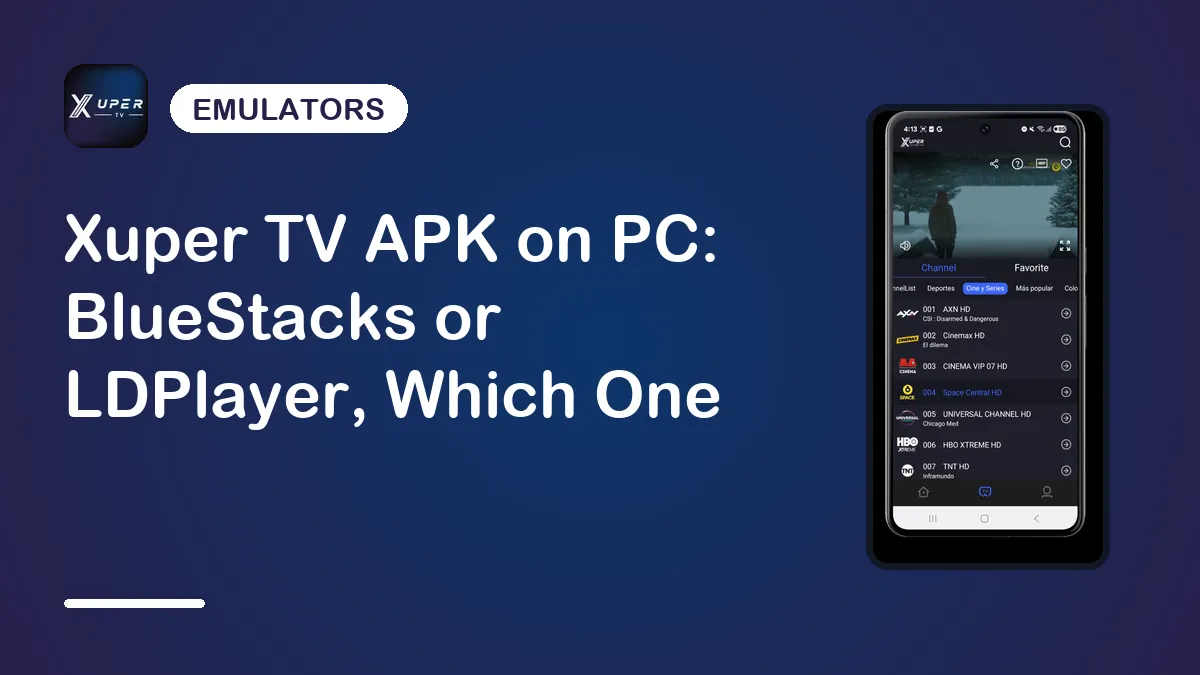
If you've already decided to watch Xuper TV on your computer, you're left with one question: which emulator to use? BlueStacks and LDPlayer are the two names that always come up, and both work. But they don't behave the same way, and depending on your PC, one will give you fewer headaches than the other.
Xuper TV APK
Table of contents
How do they differ?
Both create a virtual Android on Windows, accept APK files, and support full screen mode. The difference lies in their approach. BlueStacks is the more well known, has a Mac version, and prioritizes compatibility with almost any app. LDPlayer was designed for gaming on Windows and tends to be lighter on less powerful computers.
Quick comparison
| BlueStacks | LDPlayer | |
| Systems | Windows and Mac | Windows only |
| Modest PC power consumption | Half | Low |
| Install APK | Drag or click the Install APK button | Drag or APK button |
| Own advertising | Some app suggestions | Some app suggestions |
| Full screen | Yes, with F11 | Yes, from the sidebar. |
BlueStacks with Xuper TV
Installing Xuper TV with BlueStacks 5 was straightforward: we dragged the mobile APK to the window, and in less than a minute, the icon was on the home screen. The video started without a hitch, and changing channels with the mouse worked perfectly.
On a laptop with GB of RAM, the fan became noticeable after a while. It's not serious, but if your computer is basic, you'll definitely notice it.
LDPlayer with Xuper TV
LDPlayer 9 booted faster on the same laptop and used less memory with Xuper TV open. Installing the APK is just as simple. Its weakness is that it's only available for Windows and that it offers additional programs during installation: read each screen and uncheck anything you don't want.
Which one suits you best?
- You have Mac: BlueStacks, because LDPlayer doesn't have a macOS version
- Your PC has 4 GB of memory or less: LDPlayer, which requires fewer resources
- You want the most well known option: BlueStacks, with more guides and help online.
- You will only use Xuper TV: either one; choose the one that starts up best on your computer
Settings that work on both
- Enable virtualization in your PC's BIOS. It's the change that improves video the most.
- In the emulator's performance settings, allocate 4 cores and 4 GB of memory.
- Choose the 1280 by 720 resolution; Xuper TV gains nothing from higher resolutions.
- Install the mobile APK, not the TV one, because it responds better to mouse clicks.
The complete installation steps are available on Xuper TV for PC.
Frequently Asked Questions
Can I have both emulators installed?
Yes, but don't open them at the same time. They compete for virtualization resources, and both will be slower.
Are emulators free?
The basic versions of BlueStacks and LDPlayer are free and are funded by app suggestions.
Does Xuper TV require Google Play within the emulator?
No. It is installed by dragging the APK, without logging in with a Google account.